The best AI training for employees is the one after which everyone has built their own tool and actually uses it the Monday after. Instead of a seminar day that feels good and fizzles out, with us every employee builds a solution to a problem from their own day with AI tools. We plan scope, challenges, roles, data, tool access and the run of show so the training can be ready to start within one week. What ships and when depends on the agreed scope.
Audience: whole workforces and individual business teams that AI should relieve in daily work, not in theory. No IT background needed.
AI training for employees enables each individual to use AI tools for their own tasks. In our format every participant builds a tool for a real everyday problem in a facilitated hackathon. Success is measured by actual usage afterwards, not by headcount.
Why employees fall back after trainings
Most employee AI trainings end with a good feeling and a fallback into old habits. The reason is not the people, it is the format. Four concrete things stand in the way: the next morning everything is as before; the employee's own case was never practised; nobody feels addressed in a large plenary; and there is no personal result to keep. AI training for employees has to start in real daily work, otherwise it fizzles out. That is why with us everyone builds on a real case from hour one.
Adoption over attendance
We measure success by usage, not headcount. In the hackathon every employee builds a solution to their own problem with the AI tools. Because the result eases their own day, it keeps getting used. People keep what they build themselves and keep using what takes work off their plate. Adoption forms from self-interest, not instruction, and the transfer is visible through usage signals instead of disappearing into a certificate.
What employees actually learn
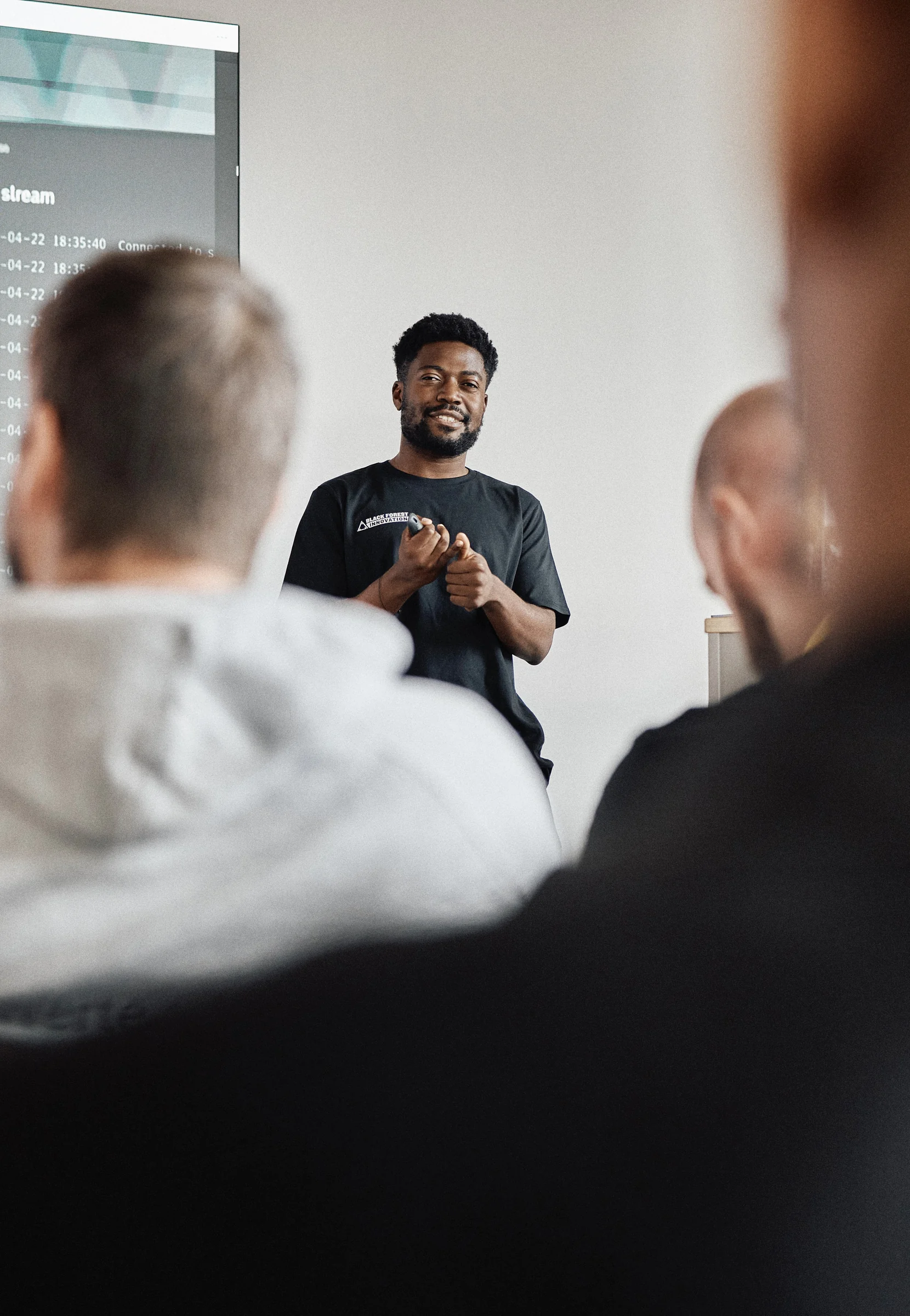
Your employees learn a practical stack they can operate afterwards. It includes Cursor and Claude Code for anyone touching code, Lovable and Figma Make for fast apps and interfaces, ChatGPT and Custom GPTs for daily work, n8n for automations and Gamma for presentations. The stack is deliberately low-barrier. Nobody needs to code to build something running on day one. Each participant runs four stations: tool workshop, their own challenge, building with support, and taking the tool into their own week.
Learning goals and benefits for employees
The goal is relief you feel at your own desk: less copy paste, better research, faster replies, clearer meetings, fewer manual reports; a running tool that makes your personal week lighter; confidence with the stack instead of fear of the empty prompt; and a documented AI literacy measure toward EU AI Act Article 4.
Who it fits, and who it does not
| Good fit when | Not a fit when |
|---|---|
| employees have recurring manual tasks that annoy them | you only want a general info event with no personal task |
| everyone can bring a real everyday problem to build on | participants have no case and should only listen |
| tool access for the workforce can be approved in principle | using AI tools is not allowed at all |
| you want people to actually use the tools afterwards | a plain attendance record without application is enough |
Deliverables
A tool workshop that brings every participant up to speed, one challenge per person or small group on a real everyday case, a guided build sprint with support throughout, at least one working tool per participant or small group, a skills library with prompts, flows and templates, and documentation of the AI literacy measure per participant.
Formats
| Format | Duration | Participants | For |
|---|---|---|---|
| Spark | 1 day | up to 10 | everyone builds a tool, first tangible relief |
| Ignite | 2 days | 10 to 15 | several small groups in parallel, broader enablement |
| Blaze | 3 to 5 days | 15+ | multiple teams, deeper tools, clear handoff into daily work |
Pricing on request for now.
AI training vs. AI hackathon
| Criterion | Classic AI training / seminar | AI hackathon |
|---|---|---|
| Output | certificate, attendance record | one running tool per participant |
| Learning mode | lectures, slides | hands-on on your own everyday case |
| Usage after training | unclear without measurement | visible via usage signals |
| Ownership afterwards | rarely defined | everyone owns their tool |
| Tangible benefit | hard to grasp | relief at your own desk |
| Time to first result | weeks to months | ready in 1 week, outcome depends on scope |
For employees this is the difference between a nice day and a new way of working. Full comparison on AI training vs. AI hackathon.
How the training can add up for the workforce (a model, not a client number)
Use your own figures. Three inputs and one formula: weekly time a recurring task costs an employee, the share a self-built tool realistically removes, and internal hourly rate times number of employees using the same tool. Formula: hours saved per week times hourly rate times 45 working weeks times people, minus the one-off cost of the training. If email handling costs three hours per person per week and an assistant removes a third, that is one hour; across fifteen employees and a year that is an order of magnitude you can test the investment against honestly. Interactive calculator: /en/ki-schulung/tools/roi-calculator/.
Social proof
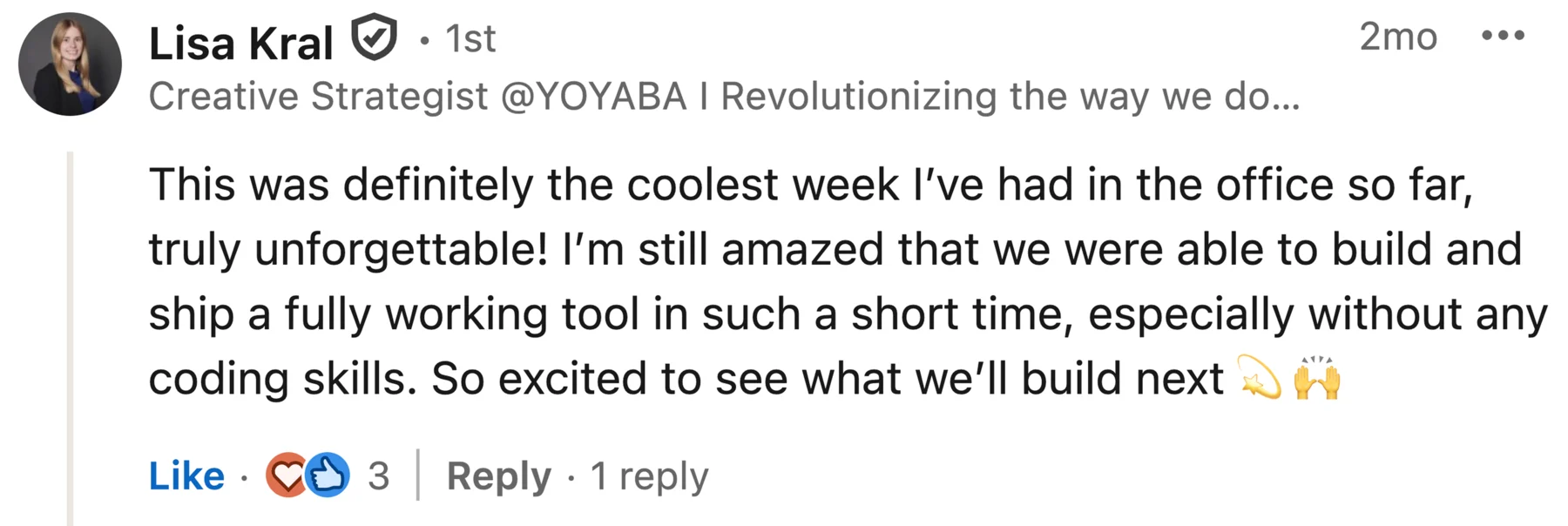
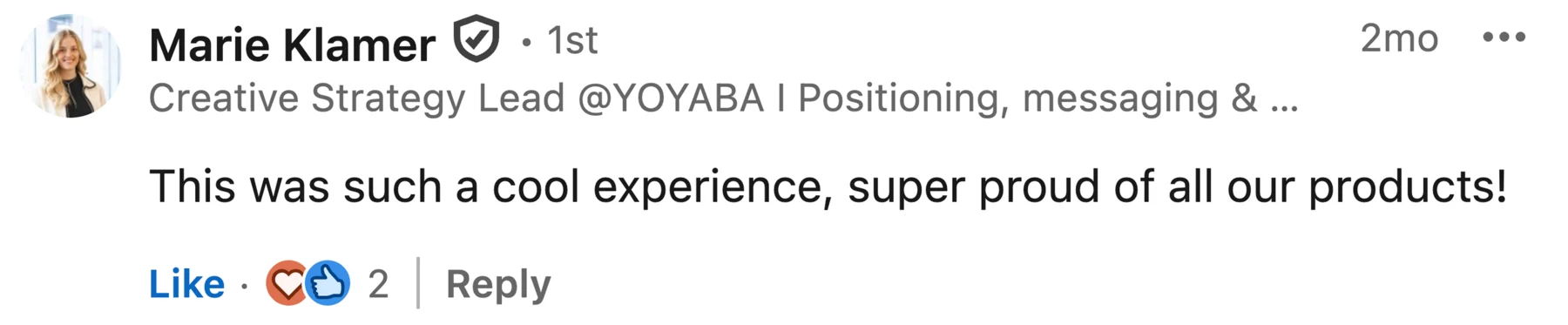
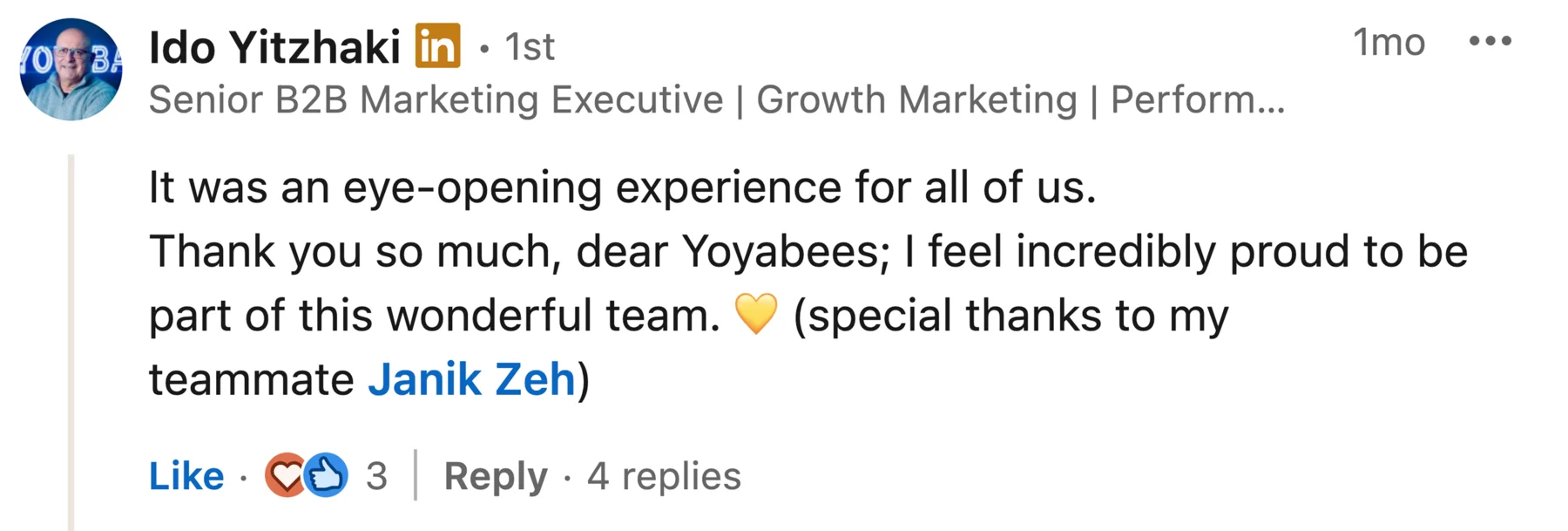
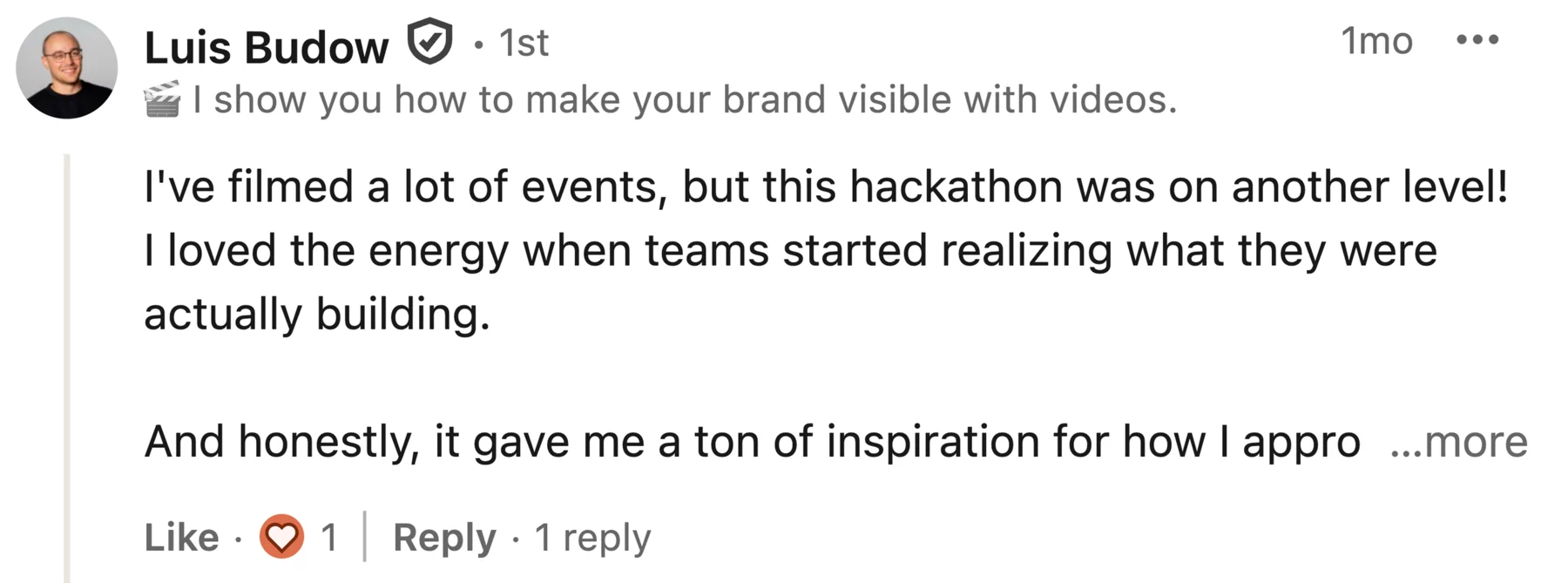
Teams from companies such as YOYABA, Onventis and NavVis have worked with us. Names, logos, workshop photos and public feedback from these teams are in the case studies.
FAQ
Is AI training worth it for employees without an IT background? Yes, especially then. The stack of Lovable, ChatGPT, n8n and Gamma is deliberately low-barrier. The tool workshop on day one brings everyone up to speed, and by the end even the non-technical person has built something that takes work off their plate.
How do you make sure the tools are used afterwards? By having everyone build a tool for their own problem. What eases your day keeps getting used, without instruction. Usage forms from self-interest and is visible through usage signals rather than an attendance list.
How many employees can take part? Spark covers up to 10, Ignite 10 to 15, Blaze 15 and up. With larger staff, several teams work in parallel on their own challenges. We settle the right size in the intro call.
Do the employees need to prepare anything? Hardly. We set up access, data and teams beforehand so the workshop and sprint start right away. It only helps if everyone has a real everyday problem in mind to build on.
How long until the first result? From first contact to a finished tool takes one week. The hackathon itself runs one to five days depending on format. Outcome and delivery time depend on the agreed scope.
Do the employees get a record? Yes, documentation of the practical AI literacy measure per participant. Behind it stand the built tools as evidence that the competence is actually there.
Legal note: A hackathon and the competence record described here can document practical AI literacy measures, but they are not an officially mandated certificate and do not automatically guarantee compliance with Article 4. The company must assess its overall program for the relevant roles, context and risks.